


Configuration
Powered by AI
Engineer your plant by talking to it
Web SCADA with integrated GIS and AI-assisted engineering
Licensing
Unlimited tags. Unlimited screens.
Licensed by concurrent sessions, per site or region. Never by project size.
SCADA + GIS
Your whole network on one live map
GIS built into the SCADA. Every station, alarm and value in its real location.
100% web
Web is built in, not sold separately
Engineer and operate from any browser. No add-on web modules, no separate packages, no extra fees. Server on Windows or Linux.
SCAISCADA & GIS PlatformPowered by AI
Others
How SCAI is built
One server, every working area
Engineering, configuration and operation share the same server and the same project.

Engineering
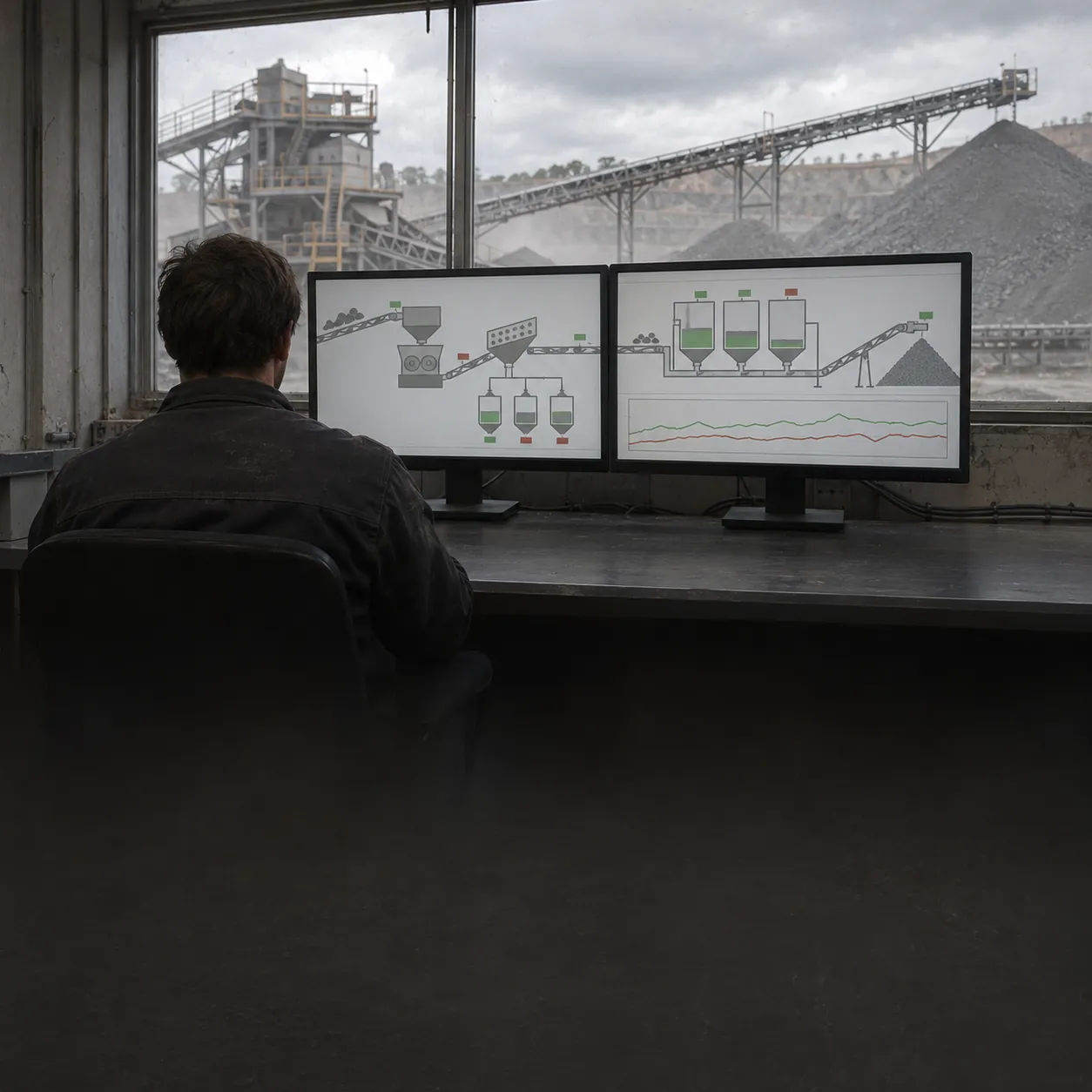
Operation
Drivers
Data

AI
Architecture
See Every Station
Live status of your whole network on an interactive GIS map
8
Pumping stations
2
Active alarms
AI-assisted engineering
Describe what you need and SCAI builds it, ready for you to review
Deploy your way
On premises or in the cloud, on Windows or Linux, with redundancy for high availability
Licensing
Unlimited by design
Pay for concurrent sessions, per site or region. Never for tags, screens or devices.
- UnlimitedTags
- UnlimitedScreens
- UnlimitedConnections
- UnlimitedDevices
- UnlimitedHistorian tags
- Concurrent sessionsLicensed by
Multi-site, multi-country and multi-region: license one site, a country or a whole region.